Connect a WhatsApp number and your bot replies to messages automatically, 24/7.
Connect a number
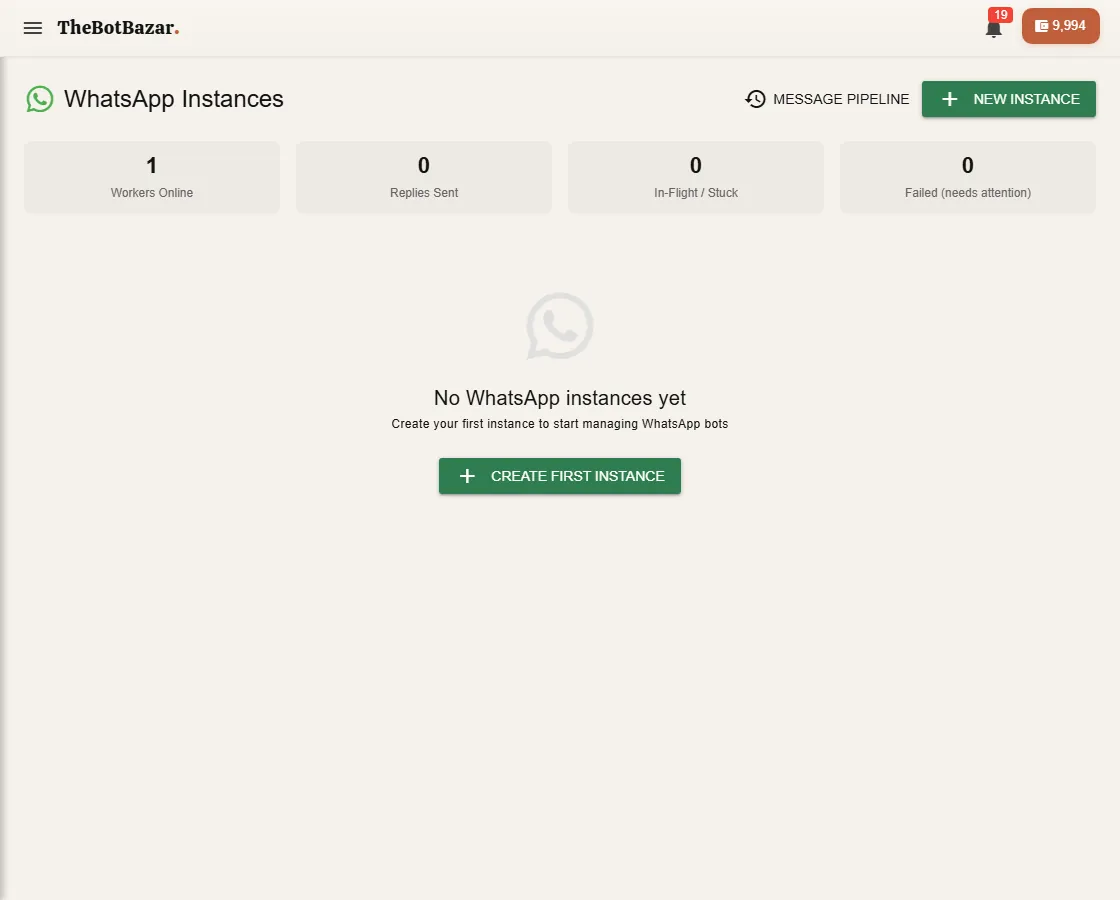
1. Open WhatsApp and click New instance. 2. Choose the bot that should reply. 3. A QR code appears. On your phone open WhatsApp → Settings → Linked devices → Link a device and scan it. 4. The status turns Connected. Send your number a test message.
[!NOTE] A business with an official WhatsApp Business API account can connect through Twilio instead of a QR code.
Control who it talks to
In the instance settings:
- Allowed numbers — only reply to these numbers (good for testing). - Blocked numbers — never reply to these. - Auto-reply on/off, and an away message for when it's off. - Group chats — whether the bot answers in WhatsApp groups. - Reply rate limit — the most replies per minute, to keep your number safe.
Sessions and hand-over to a human
Every WhatsApp chat is a session in the inbox. When a customer needs a person, escalate the session — the bot stops replying and you answer yourself. De-escalate to give it back to the bot.
Message pipeline shows each incoming message and what happened to it — useful when a reply didn't go out.