Voice receptionists
A receptionist is a bot with a voice. Callers speak naturally; it listens, answers from your bot's knowledge, and speaks back — in English, Nepali and many other languages.
[!NOTE] Receptionists are included with the Starter (1), Pro (3) and Enterprise plans. See [Tokens & plans](/docs/tokens-wallet).
Create a receptionist
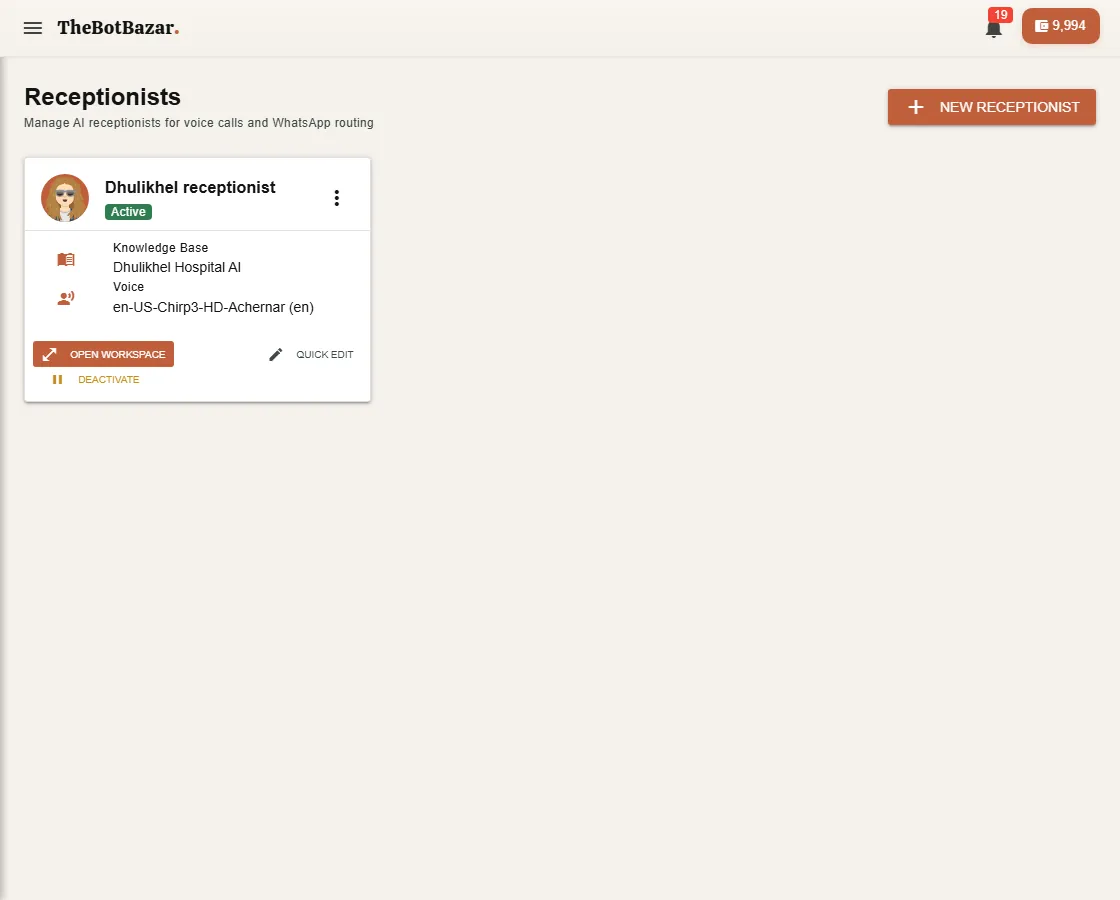
1. Open Front desk → Receptionists and click New receptionist. 2. Give it a name, a face (avatar) and a greeting — the first thing callers hear. 3. Choose the bot whose knowledge it answers from. 4. Pick its language and voice. For Nepali, choose a Nepali voice so it doesn't read Nepali in an English accent. 5. Save, and switch it On duty.
You can change its Voice and its Brain (LLM), the model that writes its replies, later in the receptionist's settings or in [Voice Studio](/docs/voice-studio).
Talk to it
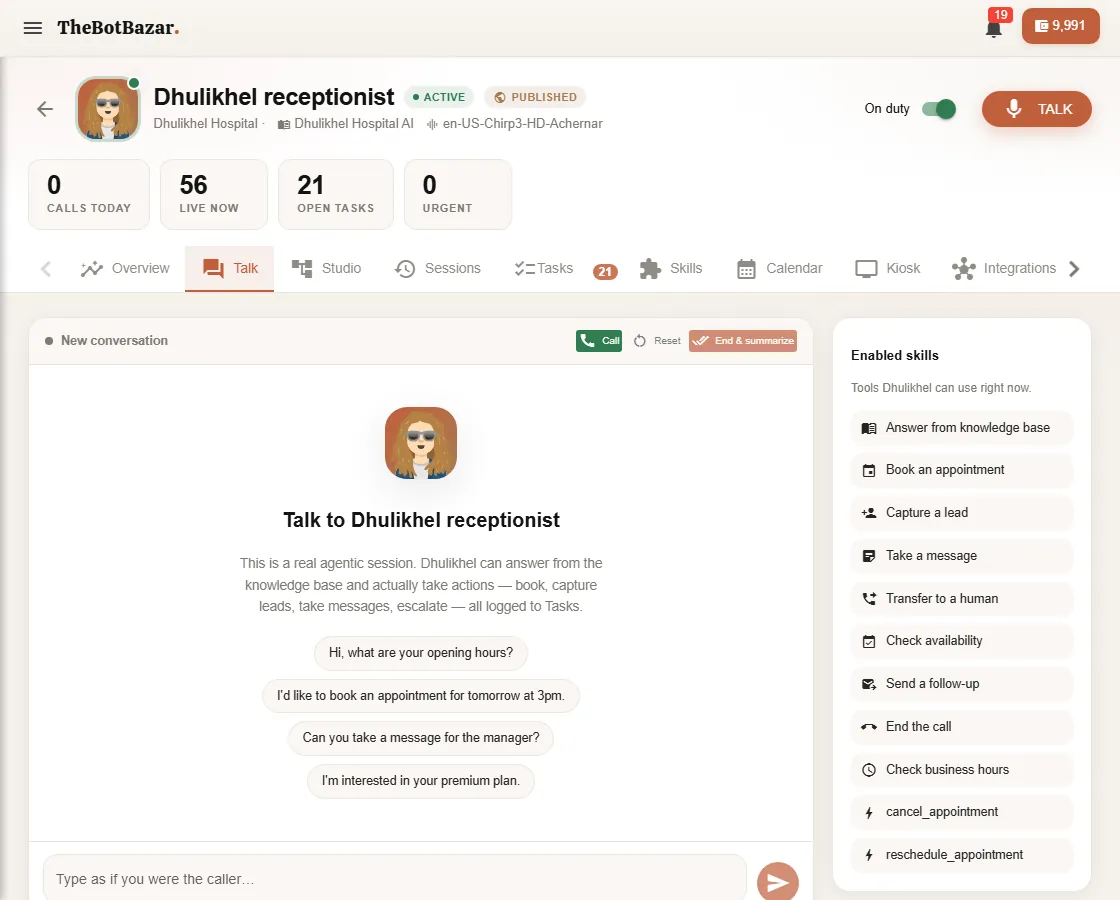
Press Talk in the top-right of the workspace, allow the microphone, and speak. Or use the Talk tab to test by typing.
Put it on a kiosk
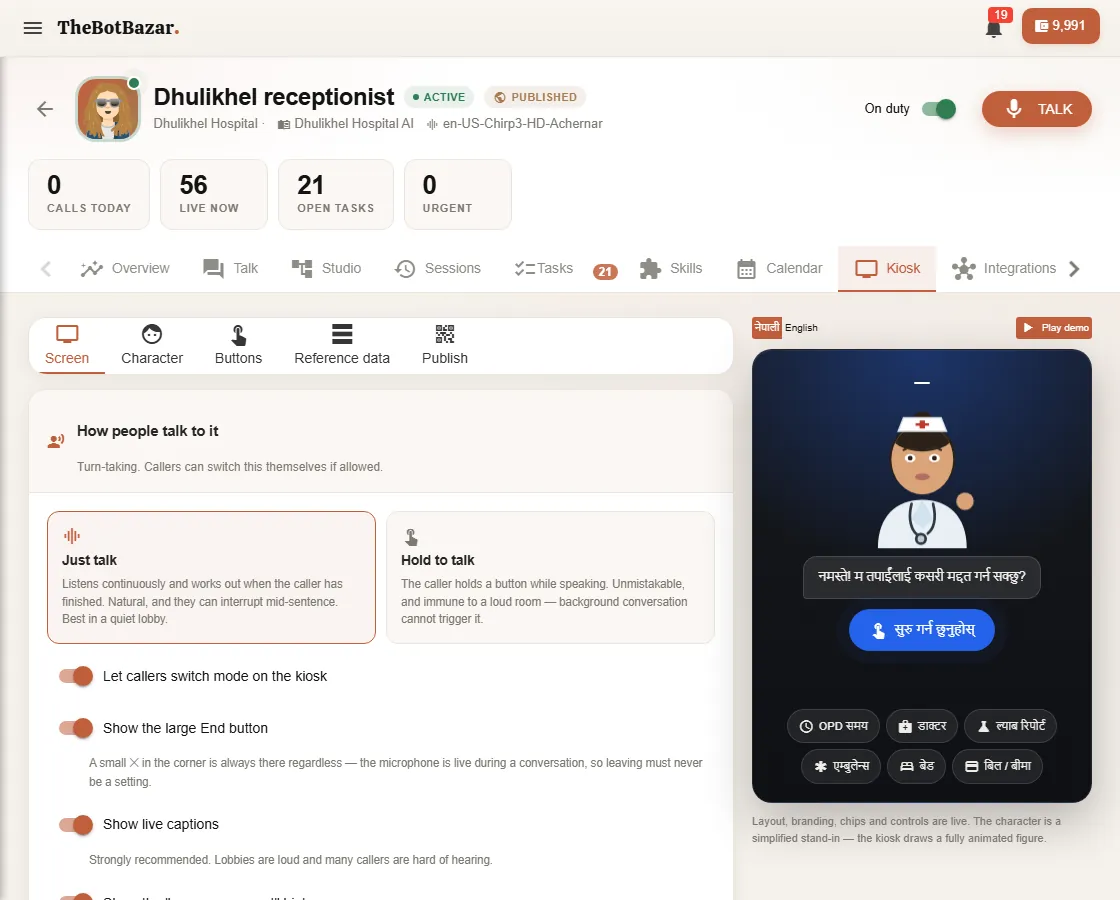
The Kiosk tab turns the receptionist into a full-screen, touch-friendly front desk for a tablet or screen in your lobby. Choose the character, languages and quick-question buttons, then open the kiosk address (thebotbazar.com/k/<name) on the device.
The workspace tabs
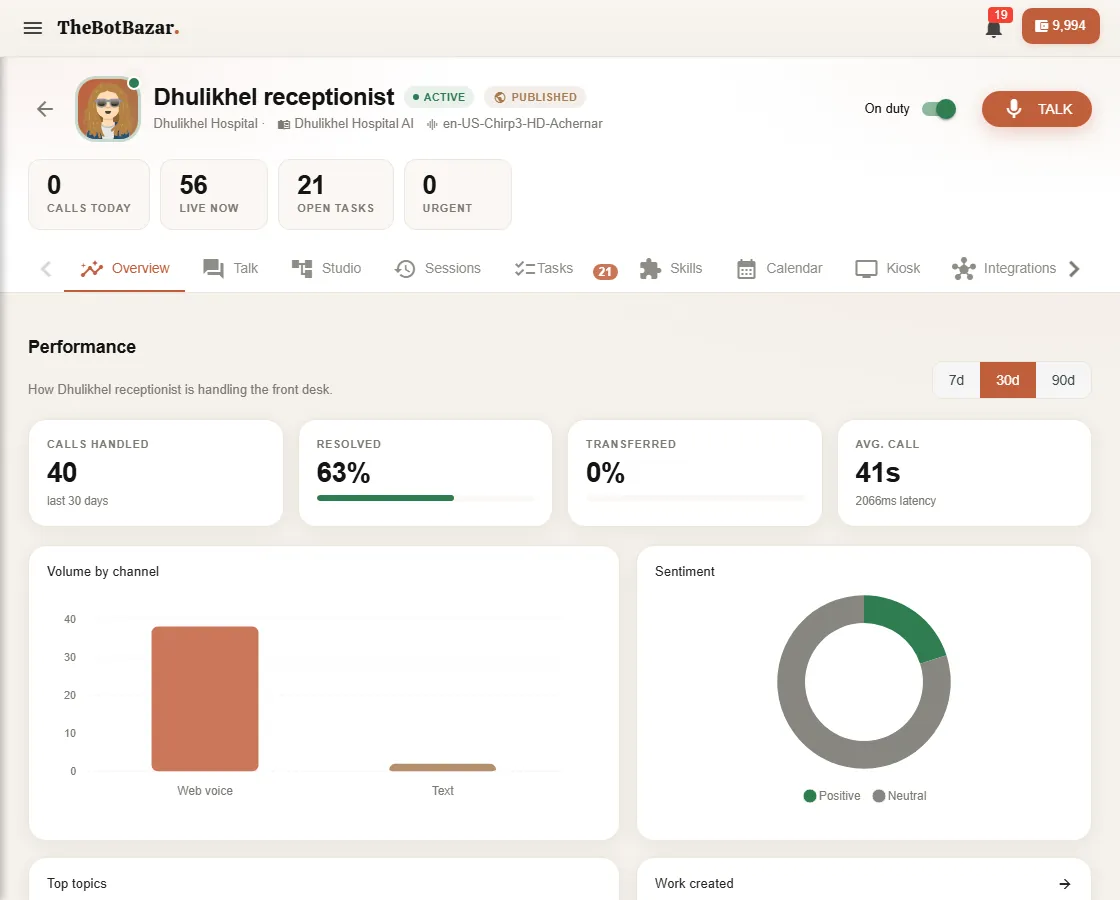
| Tab | What it's for | |---|---| | Overview | Calls handled, how many were resolved, sentiment and top topics | | Talk | Test the receptionist | | Studio | See and change its voice pipeline visually — [Voice Studio](/docs/voice-studio) | | Sessions | Every call, with the full transcript | | Tasks | Work the receptionist created — messages, callbacks, appointment requests | | Skills | What it's allowed to do — [Skills & tasks](/docs/receptionist-skills) | | Calendar | Appointments it booked | | Kiosk | Front-desk kiosk setup | | Integrations | WhatsApp, email, connectors and sub-agents |
[!WARNING] Calls use tokens for listening, thinking and speaking. If your wallet runs out mid-call, the receptionist apologises and ends the call. New calls can't start below the minimum balance.