Put your bot on your website
A hosted bot is a public, branded chat page for one of your bots, with a snippet you can paste into any website.
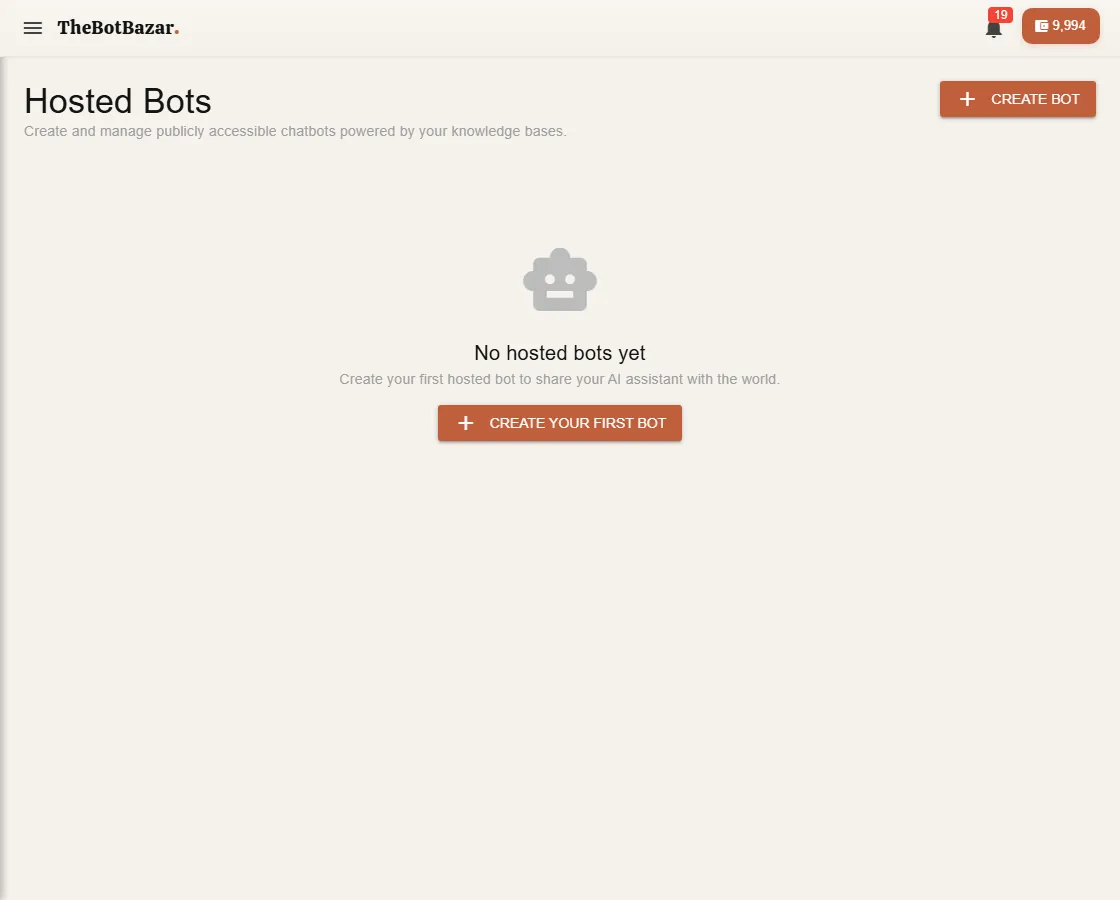
Create one
1. Open Workshop → Host your Bot and click Create bot. 2. Choose which of your bots answers, then brand it: title, company name, welcome message, colour and avatar. Optional switches: voice input, show sources, ask visitors for their contact details, and a "Chat on WhatsApp" button. 3. Save. You get a public address like thebotbazar.com/chat/your-bot — share it anywhere.
Embed it on your website
Open the hosted bot and copy the embed code. Paste it into your website's HTML, just before </body. A chat window appears on your site.
Keep it safe
- Allowed domains — list the websites that may use the widget (for example dhulikhelhospital.org). Other sites are refused. Leave it empty to allow any site. - Limits — cap messages per visitor, visitors per day and messages per minute, so nobody can drain your tokens. - On / off — switch a hosted bot off instantly without deleting it.
See how it's doing
Each hosted bot has its own analytics and a list of visitor sessions. Their conversations also appear on your [bot's dashboard](/docs/bot-dashboard).
[!TIP] Want a custom-built chat window on your own site? Your developer can use the hosted-bot API — see [Hosted bot API](/dev-docs/hosted-bot-api).