Getting started
1. Create your account
Open [thebotbazar.com](https://thebotbazar.com) and choose Sign up. Enter your email and a password, accept the terms, and check your inbox for the activation link. Click it — your account is ready.
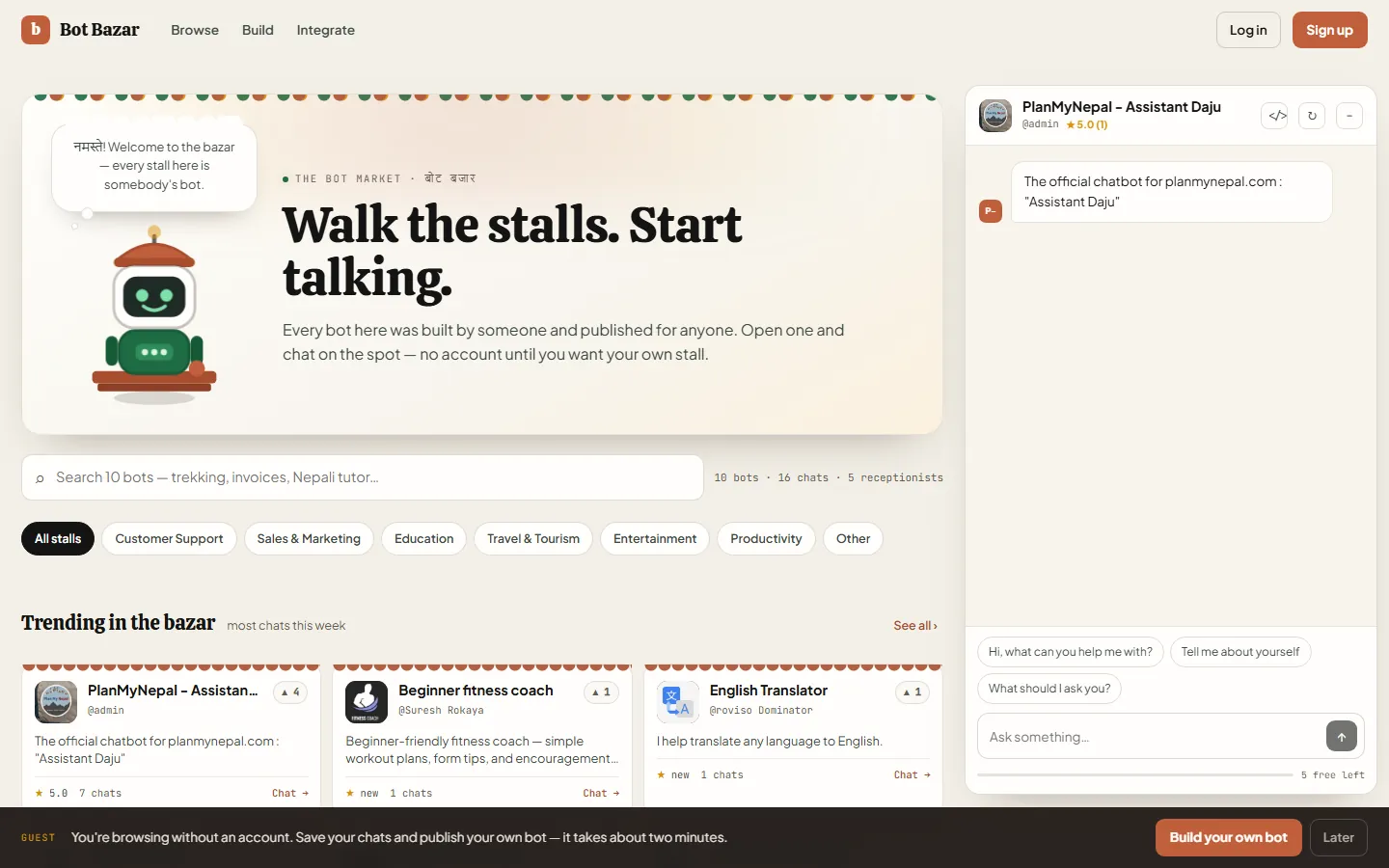
2. Log in
Click Log in in the top-right corner, enter your username (or the email you signed up with) and your password, and press Log in.
Forgot your password? Click Forgot password? in the same window; we email you a link to choose a new one.
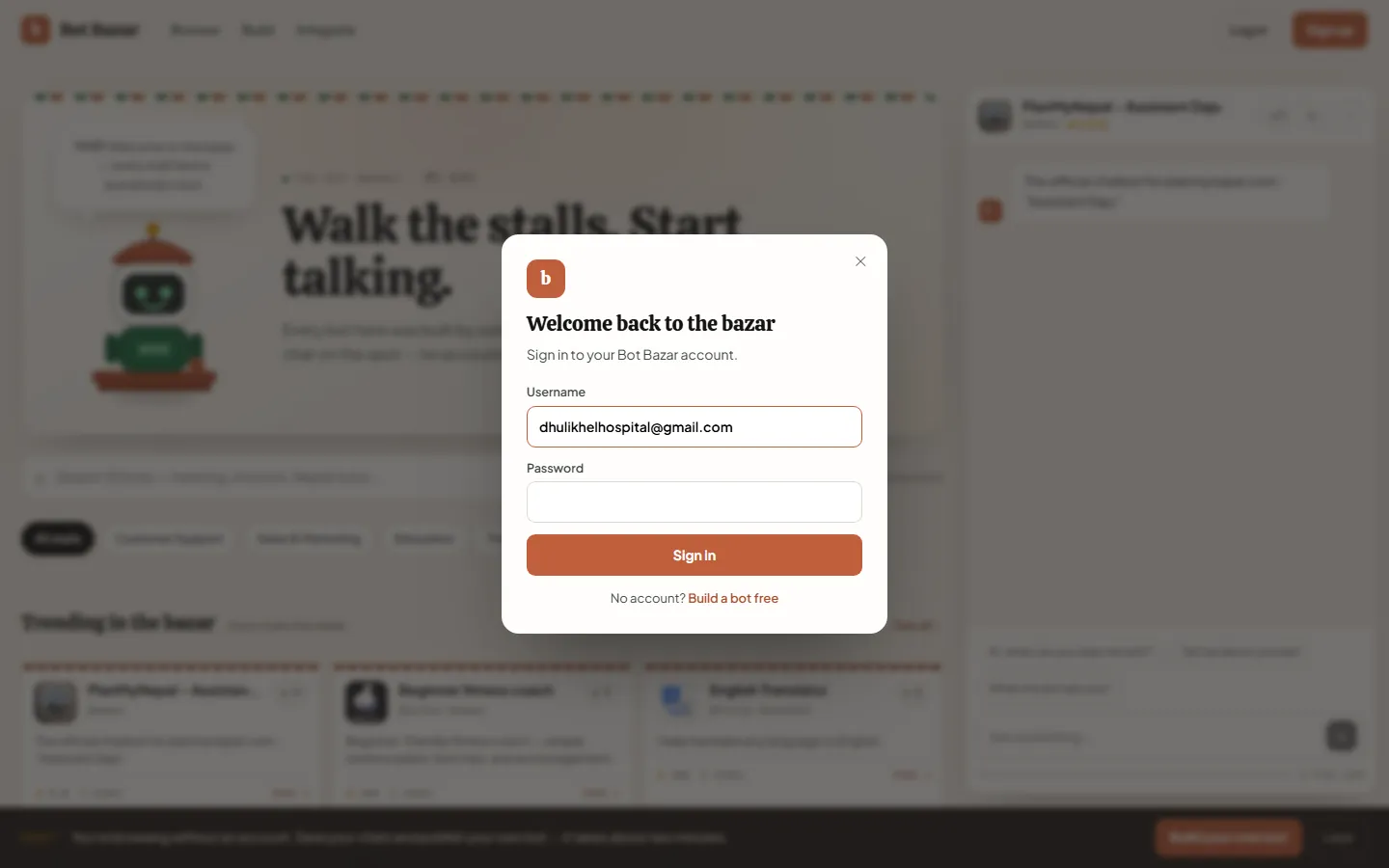
You land on Home, your personal dashboard.
3. Build your first bot
1. In the sidebar open Workshop → Bots & Knowledge, then Create bot. 2. Pick Standard Bot (you'll give it documents) or Website Bot (it reads a website for you). 3. Give it a name, an icon and a one-line description, then click Next. 4. Describe its personality and rules on the Persona step, then finish the Config step.
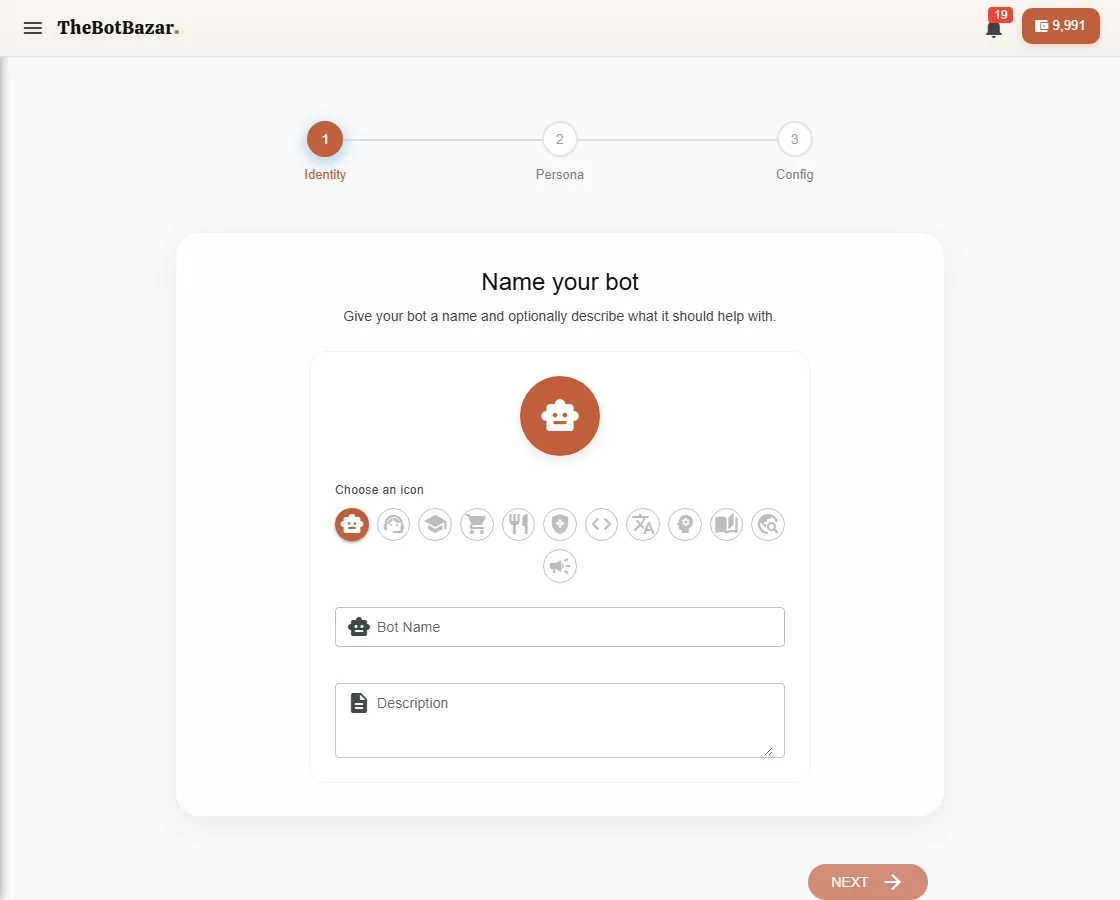
Details: [Create a bot](/docs/create-bot).
4. Teach it something
Open your bot and add knowledge — upload a PDF, paste text, or point it at your website. See [Train your bot](/docs/train-knowledge).
5. Ask it a question
Go to Chat → New Chat, pick your bot and ask something only your documents could answer.
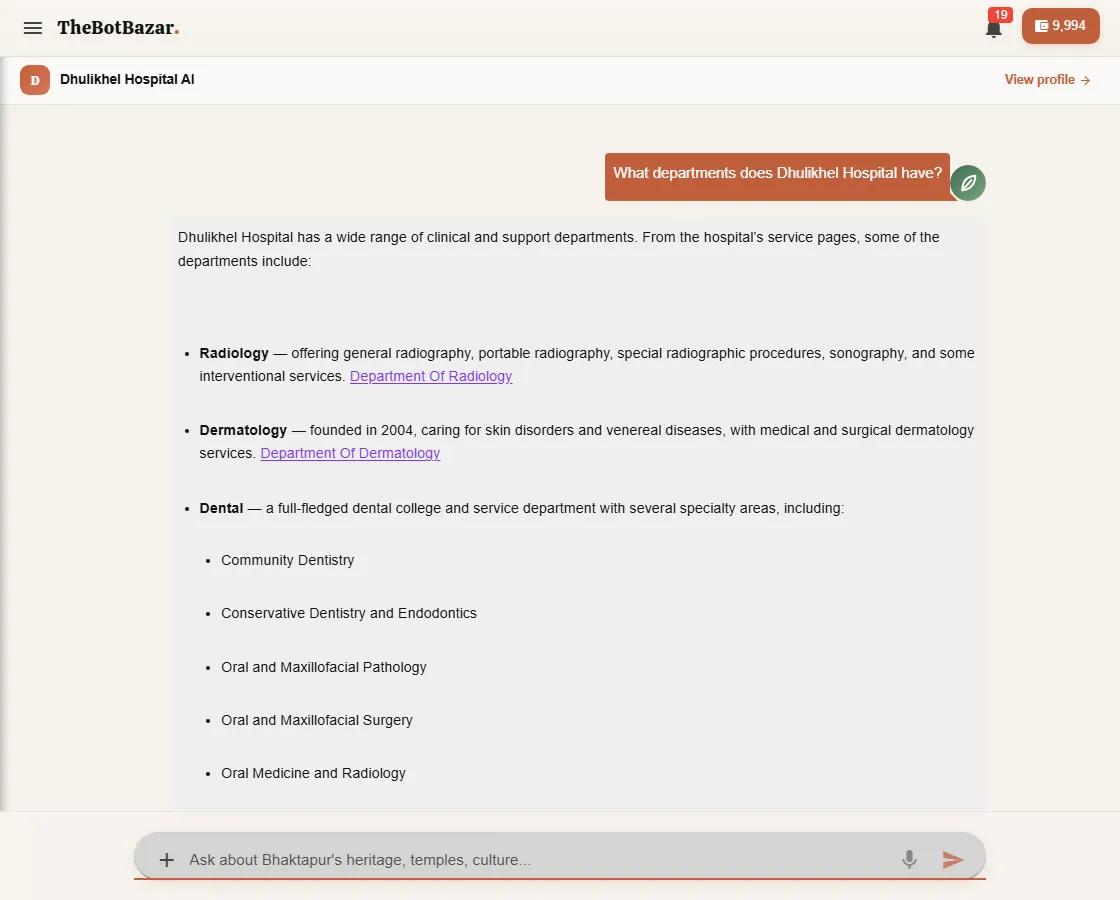
[!TIP] If an answer is wrong or missing, the fix is almost always more or clearer knowledge — not a different question. Add a Q&A pair for anything important: [Q&A training](/docs/qa-training).
What next?
- Put the bot on your website → [Host your bot](/docs/hosted-bots) - Answer WhatsApp messages → [WhatsApp](/docs/whatsapp) - Let the world try it → [Publish to the Bazar](/docs/marketplace)