Email campaigns
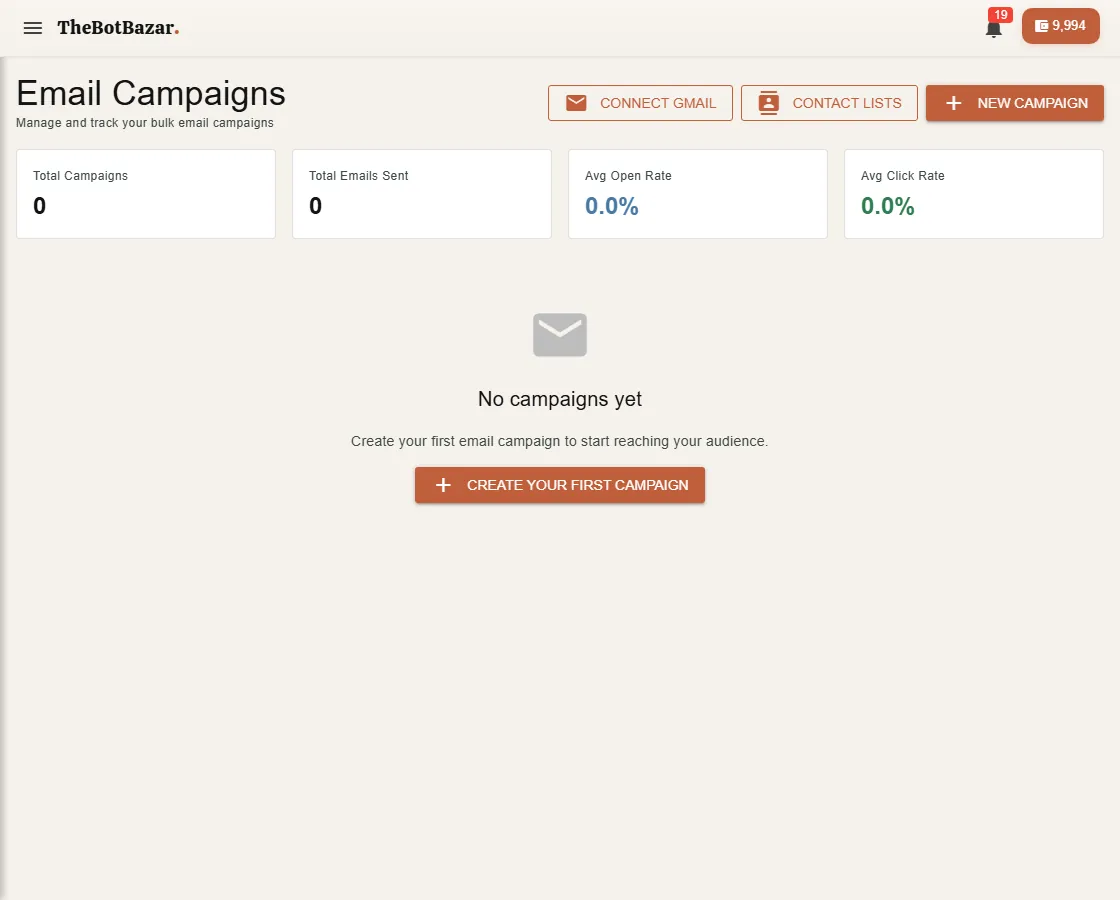
1. Connect Gmail
Emails are sent from your Gmail account, so they land like a normal email. Click Connect Gmail and approve access. You can disconnect at any time.
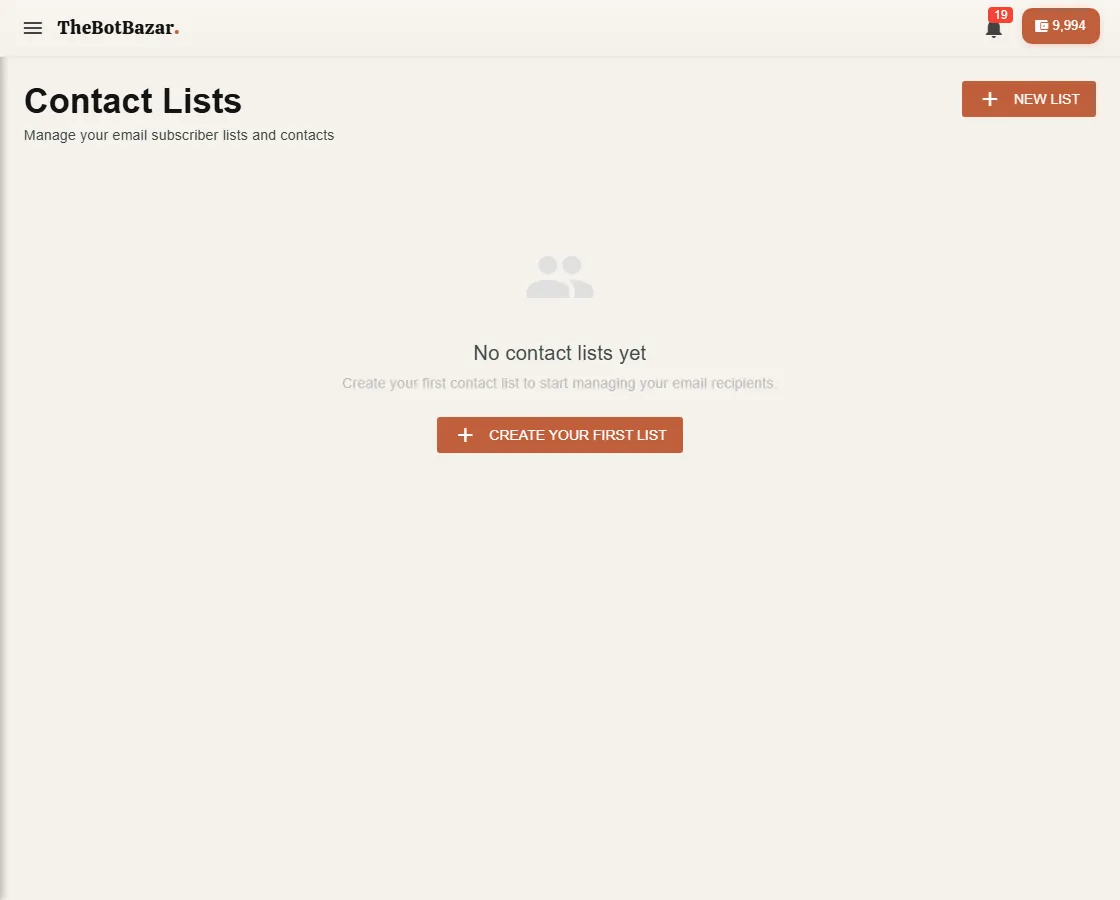
2. Build a contact list
Open Contact lists → New list, then add contacts one by one or upload a CSV (email, first name, last name and any extra columns).
3. Write the email
Click New campaign. Write it yourself, start from a template, or let AI draft it from a short description. Personalise with merge tags such as {{firstname}} — each person sees their own name.
4. Test, then send
Send a test to yourself first. When it looks right, choose the list and Send. Each email sent costs a small number of tokens.
5. Read the report
Each campaign's report shows, per recipient, whether it was sent, opened and clicked. People who unsubscribe, bounce or complain are suppressed automatically and never emailed again.