Discord
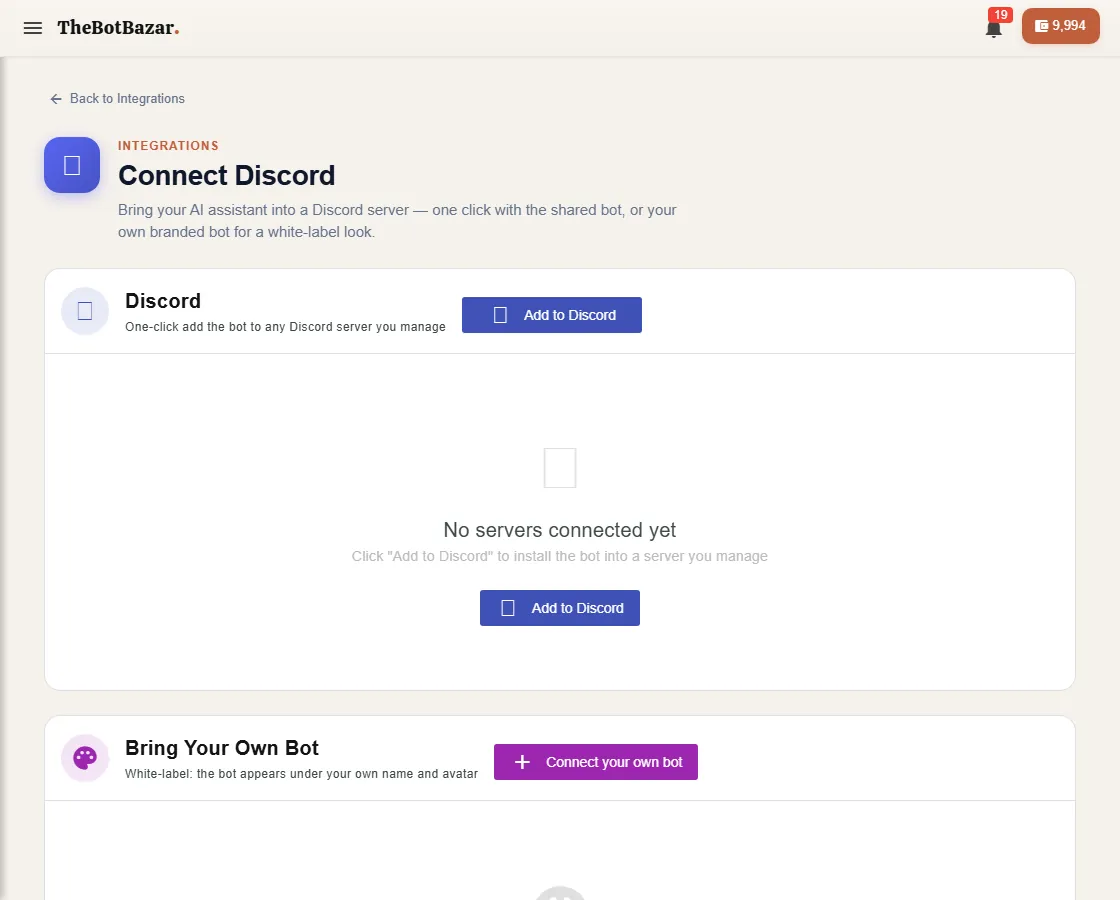
Add the bot to your server
1. Open your bot → Channels tab → Discord → Connect Discord, then click Add to Discord. 2. Discord asks which server to add it to — pick yours (you must be allowed to manage it) and approve. 3. Back in BotBazar, choose which of your bots answers in that server.
Members can now mention the bot or use its commands to ask questions. Answers come from the bot's knowledge, as everywhere else.
Bring your own bot
Already have a Discord application? Choose Connect your own bot and paste its token — BotBazar will power it with your knowledge.
Manage servers
The page lists every connected server. Change the bot a server uses, reconnect if Discord disconnected it, or remove it.