Create a bot
A bot is an AI assistant plus the knowledge it answers from. You can have as many as you like.
Choose the kind of bot
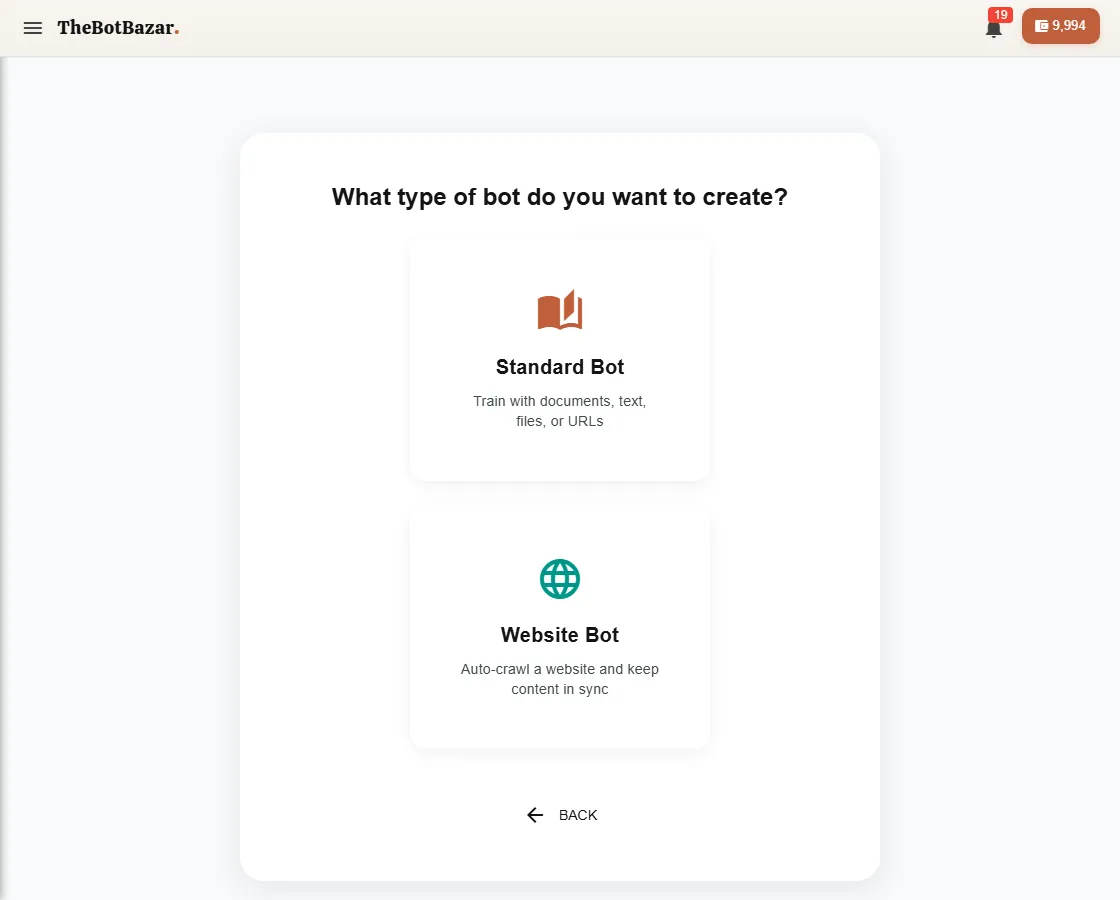
- Standard Bot — you give it documents, text or files. Best for manuals, policies, price lists. - Website Bot — you give it a web address; it reads the site and keeps up with changes. Best when your website is already the source of truth. See [Website bots](/docs/website-bot).
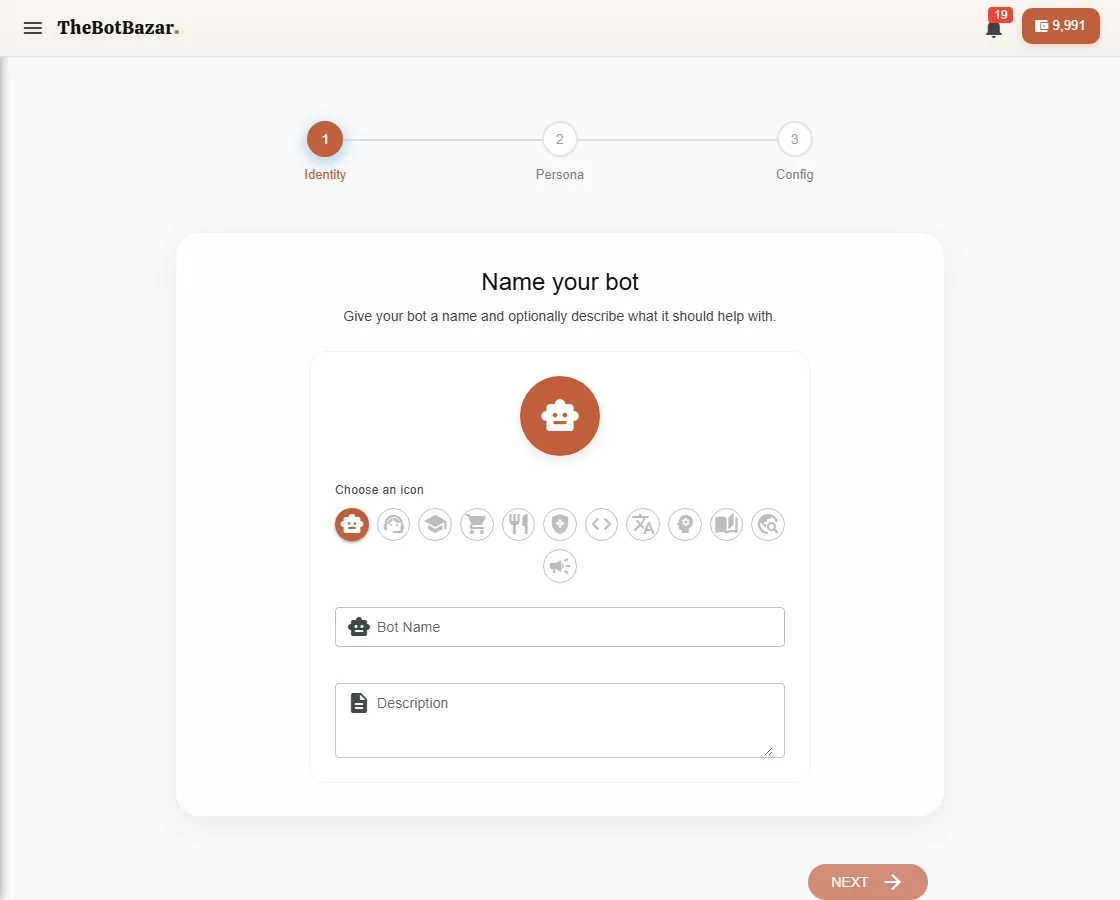
Step 1 — Identity
Pick an icon, a clear name (customers see it) and an optional description.
Step 2 — Persona
Tell the bot who it is and how to behave, in plain words. For example:
You are the front-desk assistant for Dhulikhel Hospital. Answer in a warm, short way. If you don't know, say so and give the reception phone number. Never give medical diagnoses.
You can click Generate from persona to have a starting prompt written for you, then edit it.
Step 3 — Config
Choose the AI model (faster/cheaper or smarter/costlier) and a few answer settings. The defaults are good; you can change everything later on the bot's Configuration tab.
After creating
Your bot opens on its dashboard. It knows nothing yet — next, [train it](/docs/train-knowledge).
[!NOTE] New bots are private. Only you can chat with them until you publish them to the Bazar, host them on a website or connect a channel.