Connectors & tools
Connectors plug outside services into your Super Agents and receptionists so they can act, not just answer.
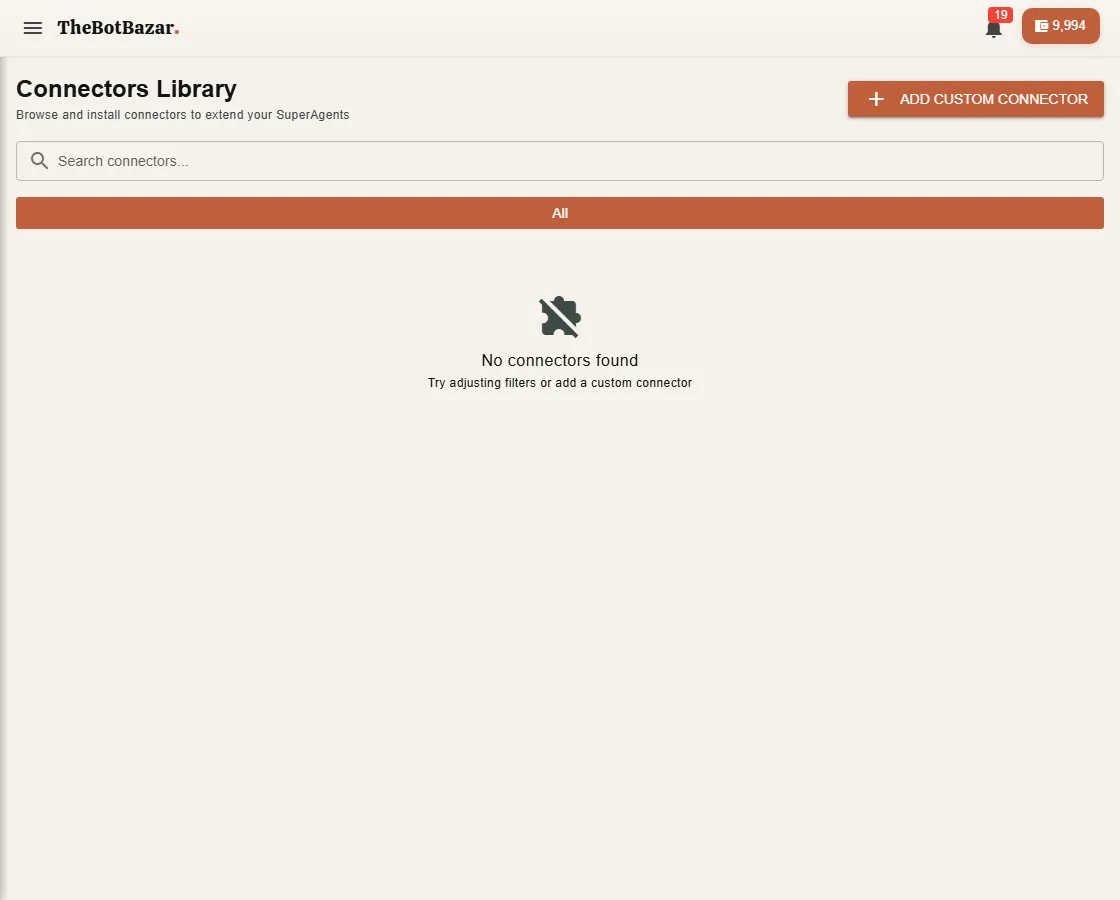
Add a connector
1. Open Connectors Library and pick a connector. 2. Sign in to the service if asked (for example Google), or paste its key. 3. It appears in My Connectors. Assign it to the agents that should use it, and switch individual tools on or off.
Can't find what you need? Add custom connector with any web API.
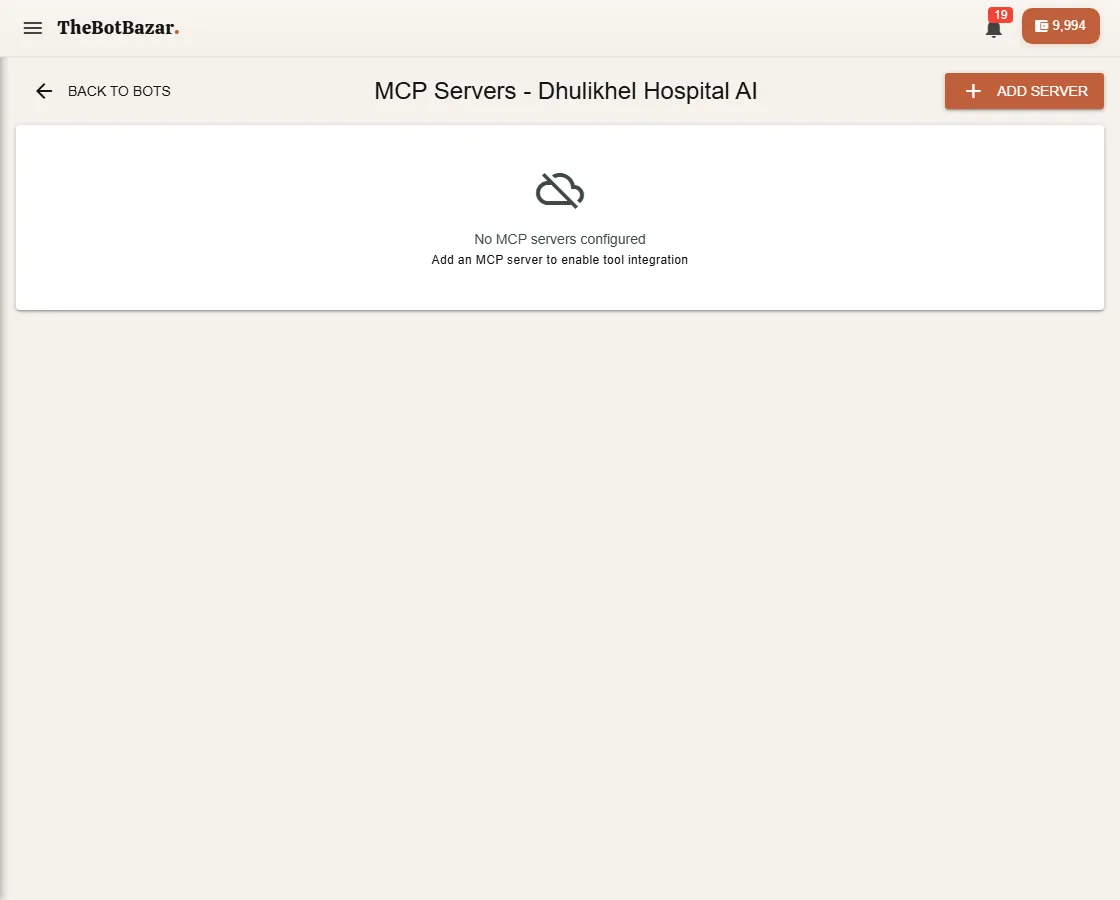
MCP tools for a bot
MCP (Model Context Protocol) is a standard way to give an AI access to tools. Open your bot → Configuration → MCP settings to connect an MCP server, test the connection and discover its tools. The bot can then call those tools while answering.