Chat with your bots
The Chat page is where you talk to your own bots — to test them, or to use them yourself.
Start a conversation
1. Click New Chat in the sidebar. 2. Pick the bot you want to talk to.
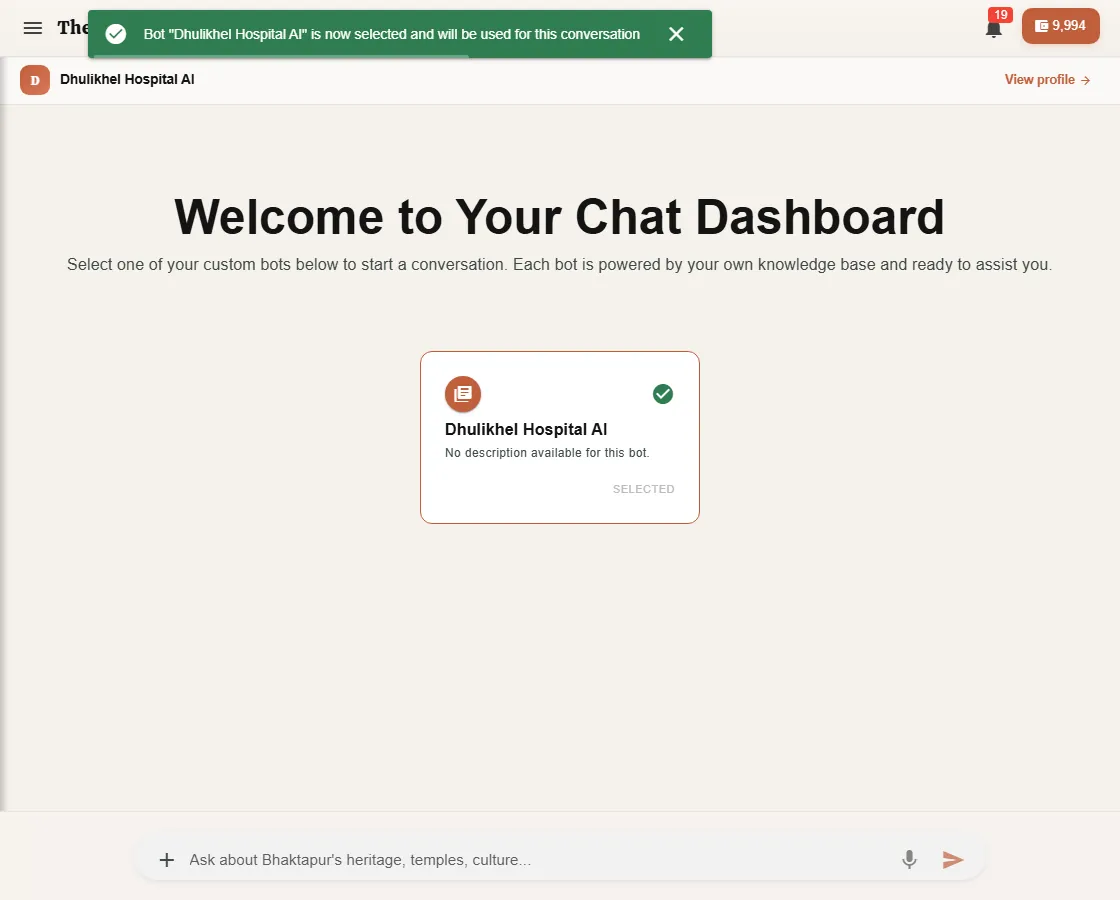
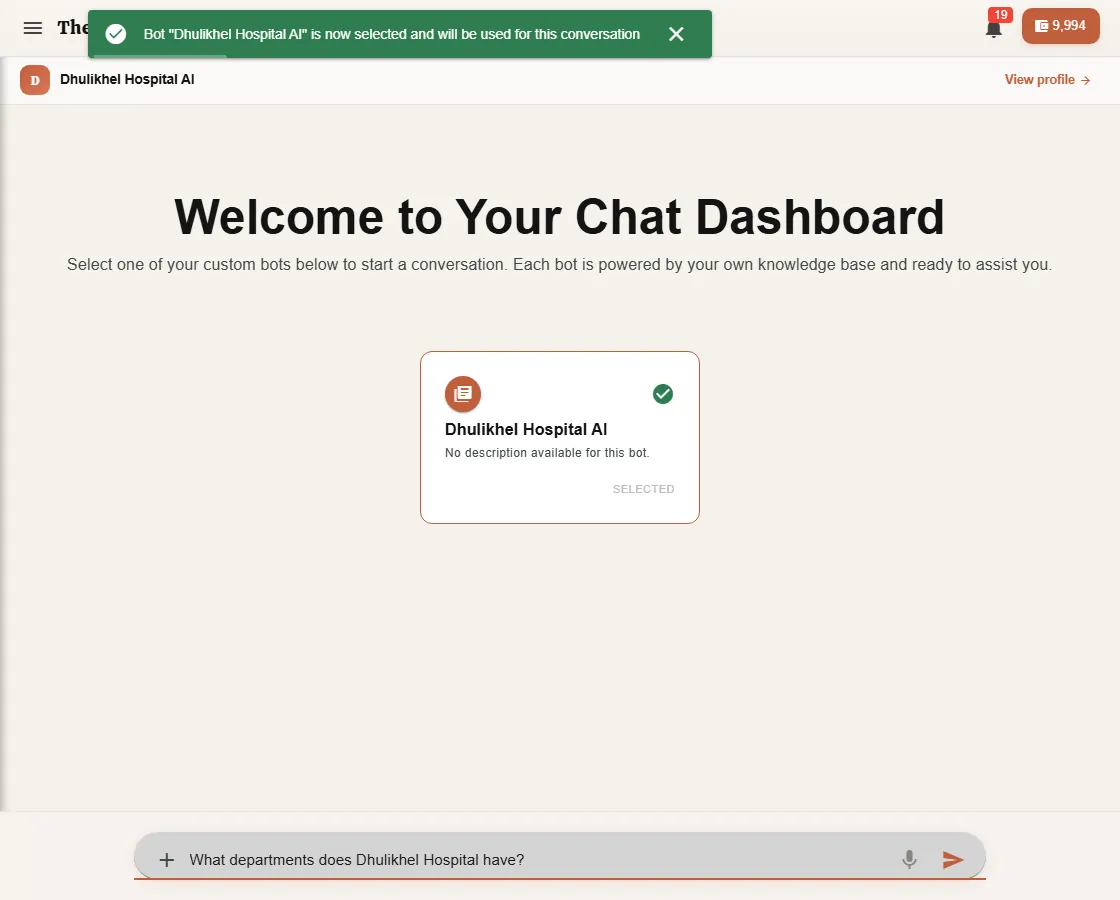
3. Type your question at the bottom and press Enter.
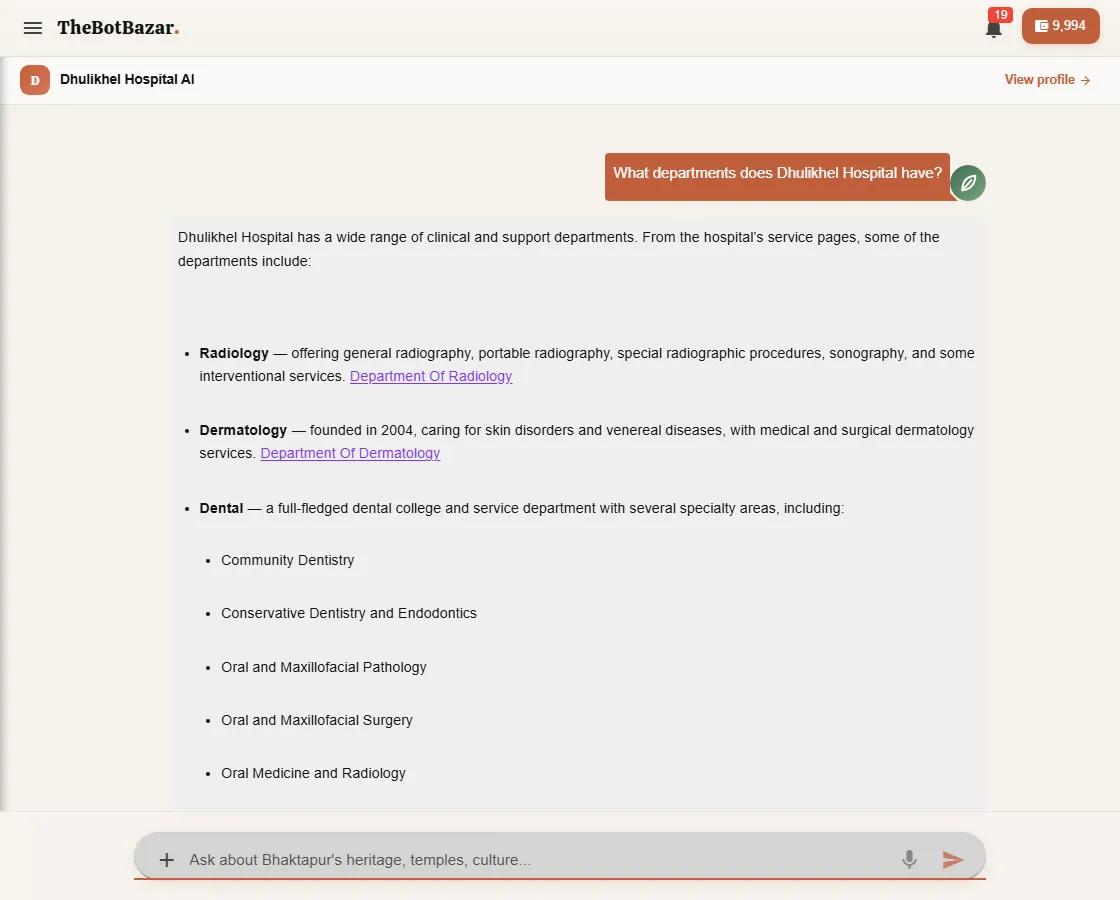
4. The answer appears word by word. Links in the answer point to the page or document it came from.
More ways to ask
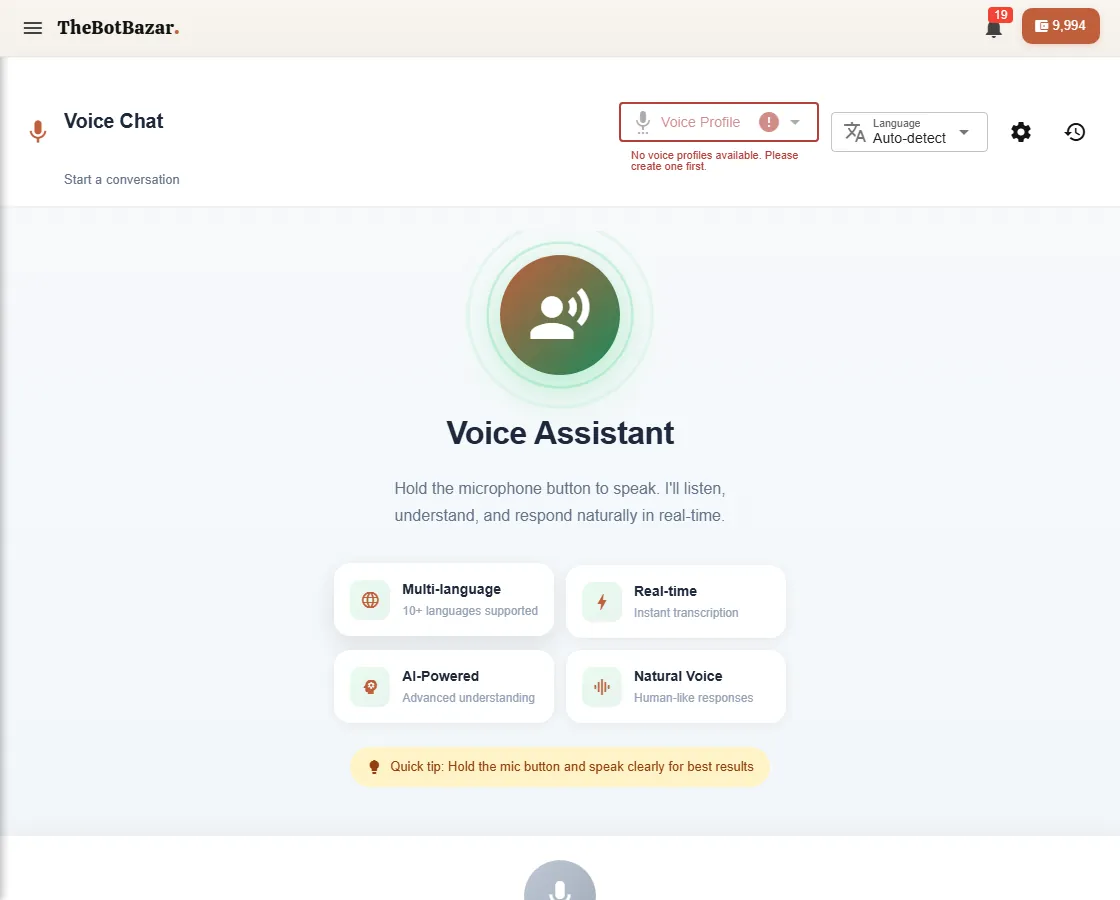
- Attach a file with + — ask about a PDF or image without adding it to the bot's knowledge. - Talk instead of typing — press the microphone and speak; your words are transcribed. - Voice Chat — a hands-free, spoken conversation with a bot, in many languages.
Your history
Every conversation is saved under Recent Chats in the sidebar. Click one to continue where you left off.
[!TIP] Rate answers with the thumbs-up / thumbs-down buttons. Your feedback shows up on the bot's dashboard and tells you what to improve.