Agents (automations)
An agent is a job your bot does by itself: "every morning at 8, summarise yesterday's WhatsApp chats and email them to me".
Start from a template
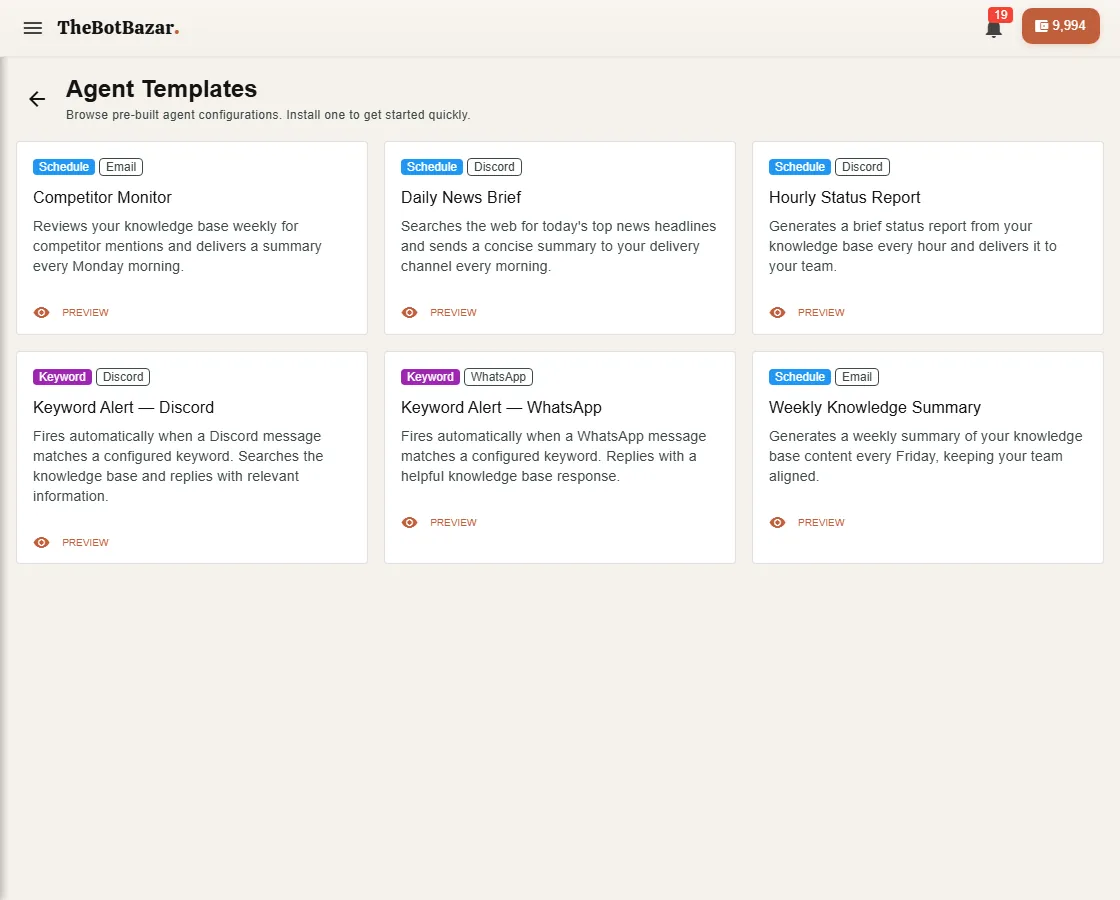
Browse templates has ready-made agents — daily news brief, competitor monitor, hourly status report, keyword alerts on WhatsApp or Discord, weekly knowledge summary. Install one and adjust it.
Build your own
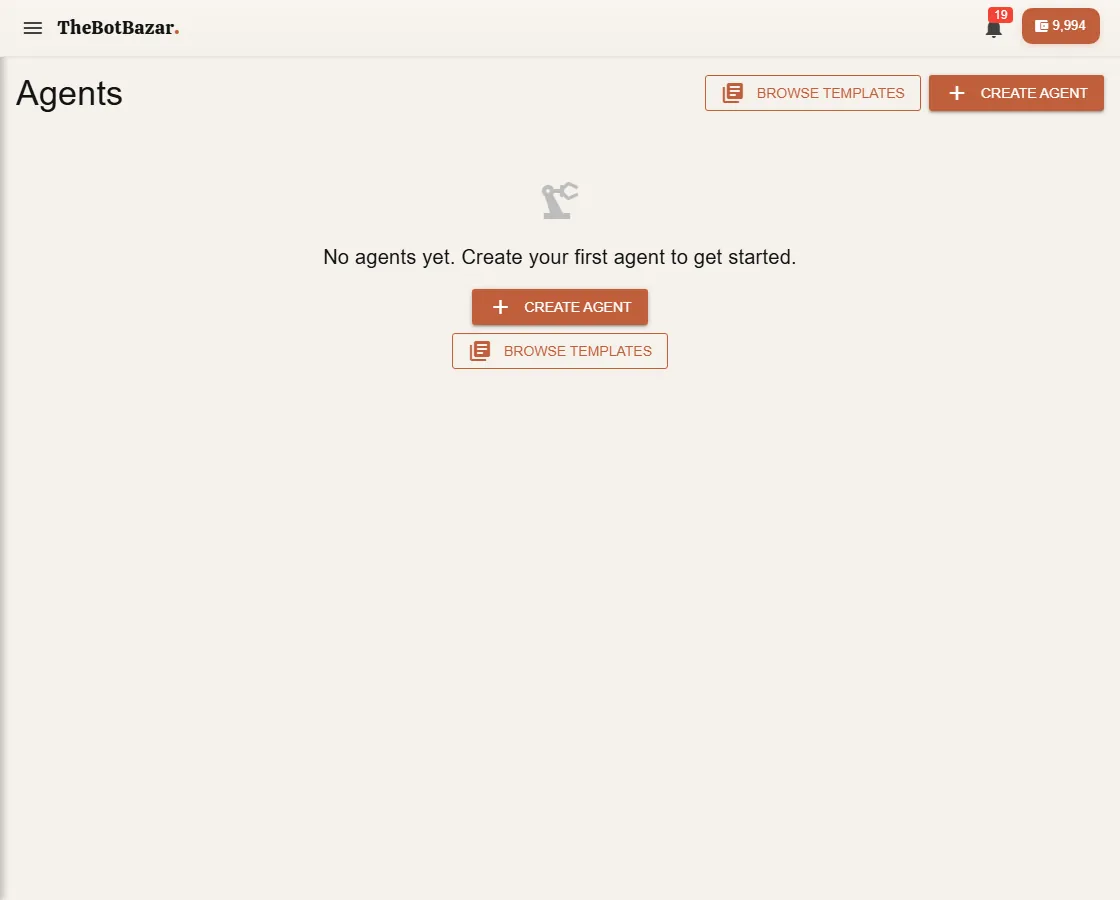
1. Create agent and choose the bot it uses. 2. Write the instruction — what it should do each time. 3. Pick a trigger: - Manual — only when you press Run. - Schedule — every day, every Monday, every hour… (a visual schedule picker, no cron knowledge needed). - Keyword — when a WhatsApp or Discord message contains a word you choose. - Webhook — when another system calls a secret URL (for developers: [Agents & webhooks](/dev-docs/agents-webhooks)). 4. Pick where the result goes: WhatsApp, Discord, email or a webhook. 5. Save and switch it on.
Check it worked
Every run is logged in Run history — when it ran, what it produced, whether delivery succeeded, and a clear reason if it failed.